Managed websites for independent businesses

A beautiful website you can safely make your own.

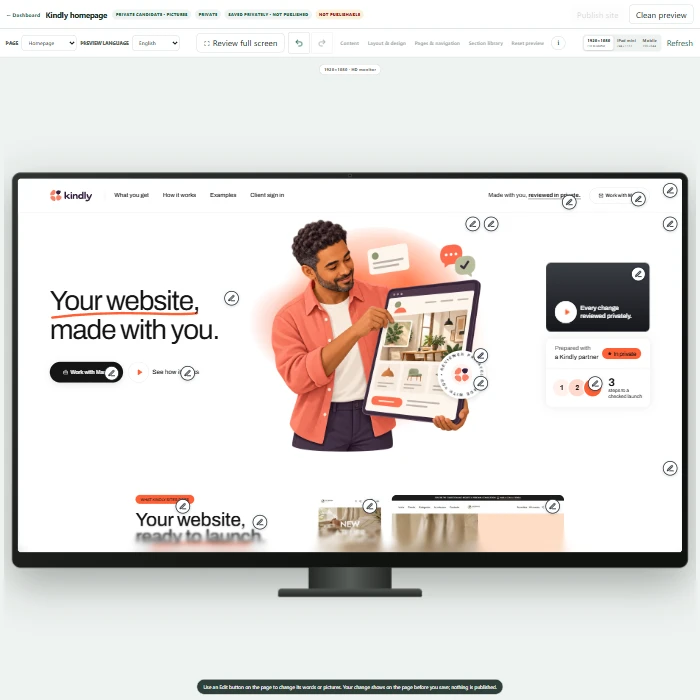
Start privately on your own or build with an assigned Kindly partner. Edit content in one clear manager, preview every change, and request launch only when the site is ready.

  • Private until launch review
  • Structured editing that protects the design
  • Domains and publishing stay controlled

Two ways to begin

Build independently—or with trusted help.

Both paths use the same approved templates, safe editor, private previews, and controlled launch process.

01

Self-service

Build it yourself

Create your account, choose an approved template, and shape a private first version without exposing a public website.

Start your private draft
02

Partner-assisted

Build for an assigned client

Restricted partners help only the clients assigned to them. Clients keep ownership while Kindly protects billing, domains, licences, and launch controls.

Partner sign in

One careful workflow

From idea to a launch-ready website.

  1. 01
    Choose a starting point

    Begin with an approved Kindly template designed to stay coherent while content changes.

  2. 02
    Edit and preview privately

    Update text, images, products, and approved sections inside the central manager.

  3. 03
    Request launch

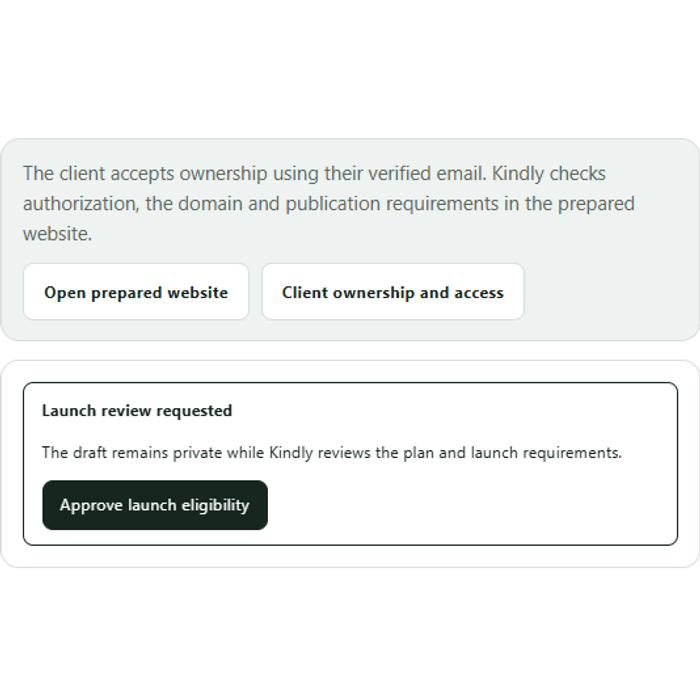
    The site remains private until plan, domain, and publication requirements are reviewed.

Approved starting points

Designed first. Flexible where it matters.

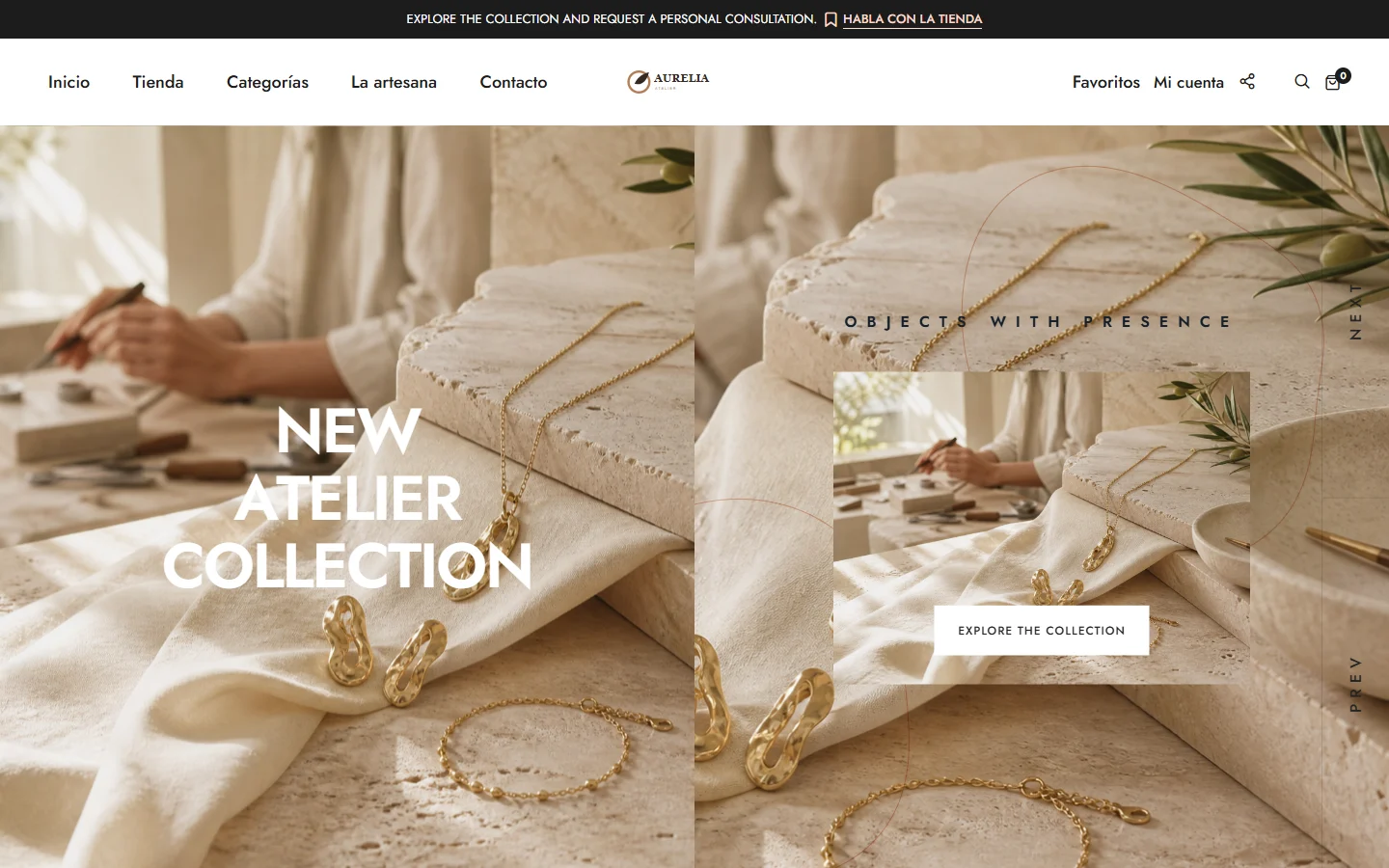
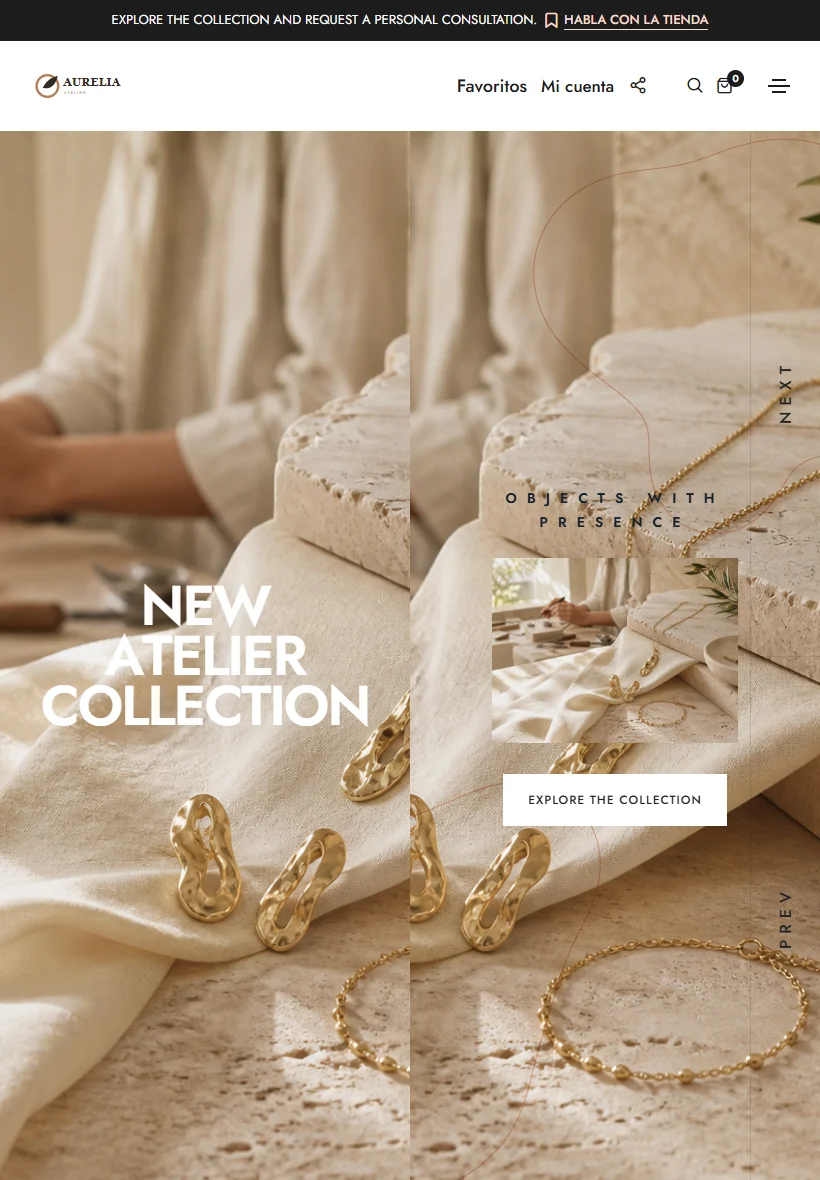
Preview the complete sites, then bring your own voice, imagery, services, and products into the same protected structure.

Warm · calm · editorialSerene Studio

A quiet, refined layout for service businesses that lead with trust and personal care.

View complete template
Confident · graphic · energeticBold Muse

A high-contrast direction for brands with a strong voice and expressive visual identity.

View complete template

One central workspace

Your public site stays public. Your work stays protected.

Kindly separates the website customers visit from the manager where owners and assigned partners work. That keeps editing focused and permissions understandable.

  • Owners see only their own websites
  • Partners see only assigned client projects
  • Platform controls remain with Kindly administrators
Open the manager

Begin privately

Make the first version before making it public.

Create an account, choose a template, and explore your website in a protected draft workspace.

Kindly Sites